Business Central Connector for e-invoicing integration
Invoicing gets a lot easier thanks to our Business Central Connector. Do you work with Microsoft Dynamics 365 Business Central or Navision? Then from now on you can send and receive Peppol invoices effortlessly. Everything is quickly arranged, and your administration remains clear and compliant.
Why e-invoicing through our Business Central connector?
Efficient management
Both incoming and outgoing documents are processed within your ERP.
Rapid implementation
Available directly through Microsoft AppSource and easy to set up with the wizard.
User-friendly interface
Easily managed within the familiar ERP system.
Full Peppol integration
Invoices are automatically converted to UBL and sent through the Nymus Access Point.
Also works for Navision
Seamless integration for companies working with Navision in addition to Business Central.
Our clients
How does it work?
1. Installation
Simply download the Business Central Connector from Microsoft AppSource.
Find the connector, start the installation and follow the steps. Also, contact Nymus so we can handle the onboarding from our end. Within minutes, the software will be ready to use.
2. Follow the wizard
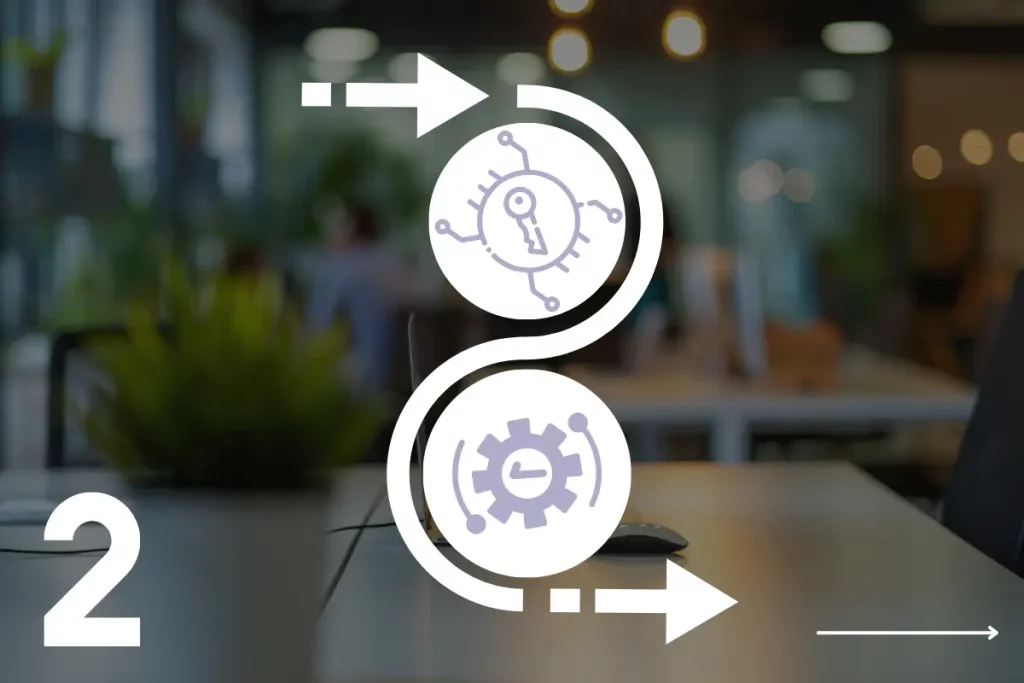
After installation, the setup wizard helps with configuration, such as linking to the Peppol network.
Enter the requested data such as API keys and shipping options, and the integration is up and running quickly.
3. Billing
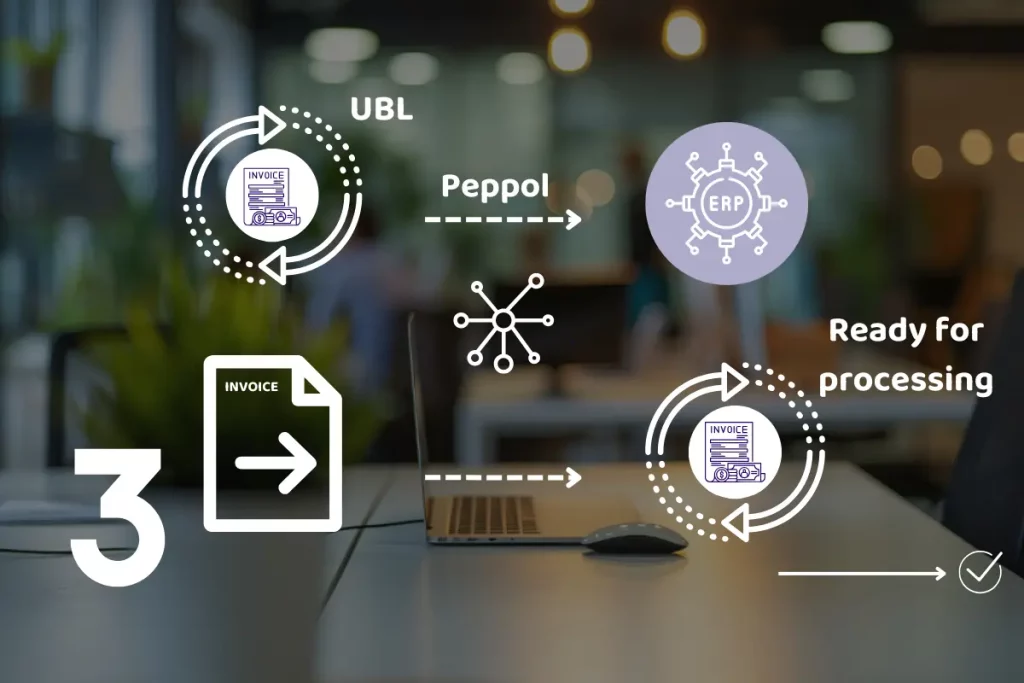
Outgoing invoices: Process your sales invoices as usual. These are automatically converted to UBL and sent through Peppol.
Incoming Invoices: Incoming documents are imported daily and prepared for processing.
Key features
Shipping configurations
Automatic linkage to the Nymus Peppol channel.
Error management
Built-in validations ensure that errors are easily detected and resolved.
Peppol identification
Supports different Peppol receiver IDs for customers with an identifier other than their enterprise number.
E-Document Services
Supports sales invoices and credit notes.
Multi-channel capabilities
Can be expanded to a multi-channel solution with email and print.
Multilingual support
Available as standard in Dutch, French, English and German, with expansion options.
Business Central Connector
Who is this solution for?
Dynamics 365 Business Central or Navision users
Want to send and receive Peppol invoices without complex processes
Want to maximize efficiency and compliance in their billing processes
Find a reliable and future-proof integration for e-invoicing
Errors are detailed in the system, including a description of what went wrong. This allows you to detect and fix the error quickly, without delaying the process.
Yes, the connector is fully compatible with both Microsoft Dynamics 365 Business Central and Navision. This makes it a flexible solution for Microsoft ERP systems.
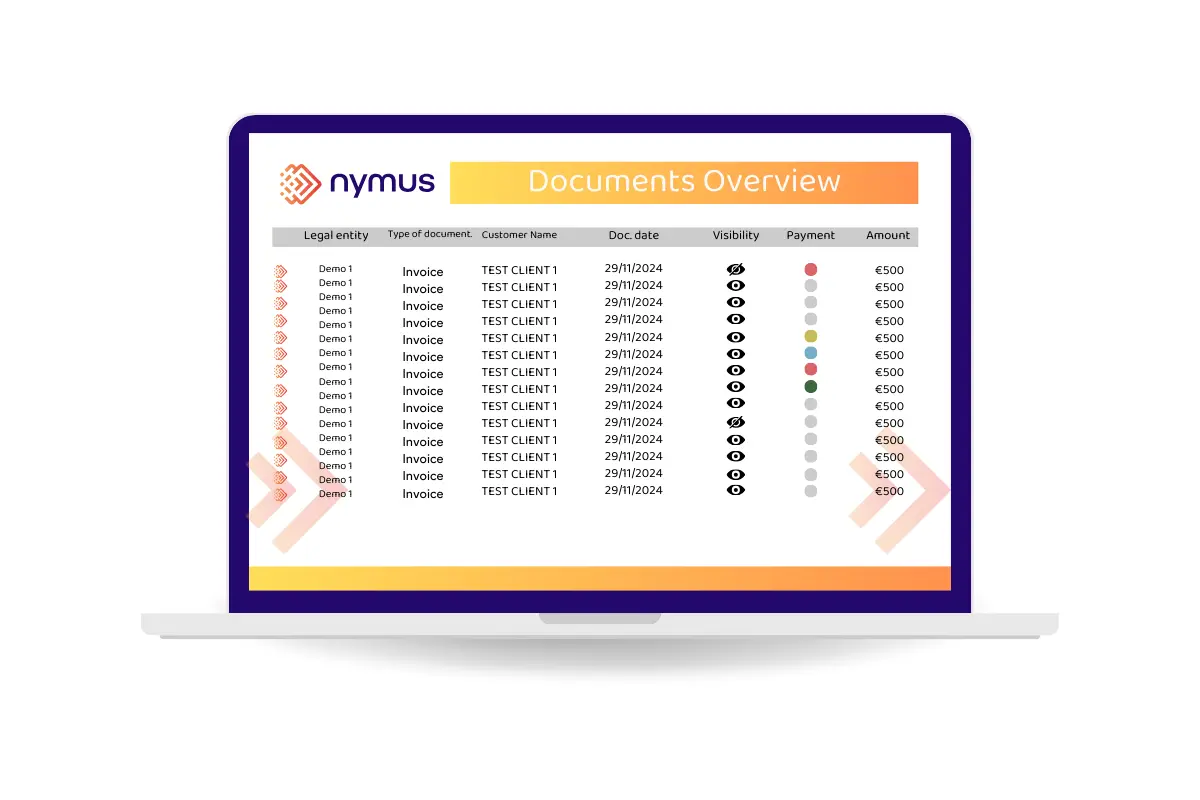
Yes, all incoming and outgoing documents are easily tracked through your ERP system. You can view the status, check if documents have been processed correctly and see any error messages.
Yes, in addition to sales invoices, the connector also supports processing credit notes. Like invoices, these are converted to UBL and sent via Peppol.
Ready to see your invoices paid 80%
faster?
Take the brakes off your billing process. From now on, bill punctually and more efficiently with fewer costs. Improve customer experience and enjoy healthier cash flow.